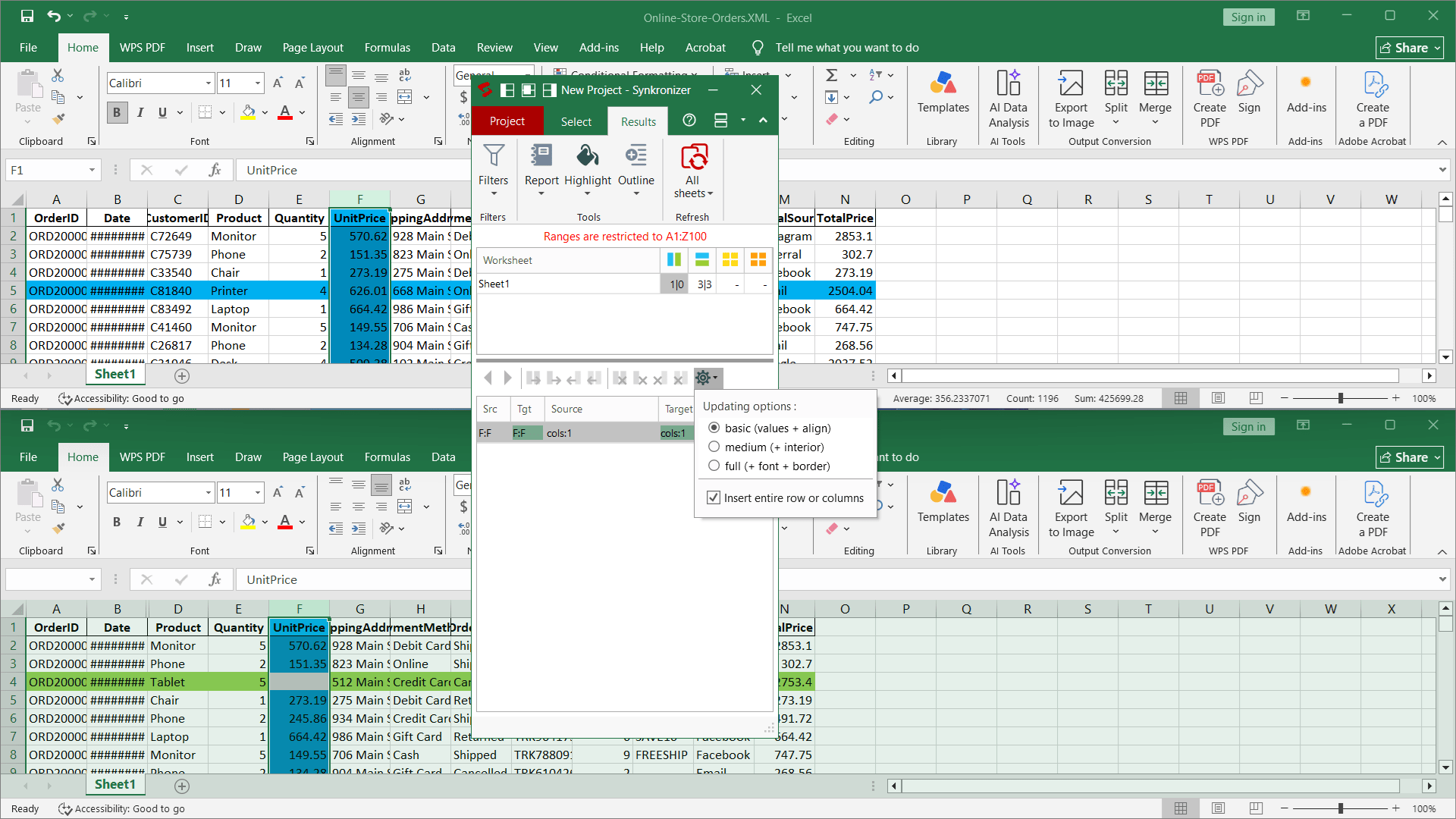
Are you tired of manually comparing and synchronizing Excel spreadsheets? Synkronizer Excel Compare is already a go-to solution for many companies worldwide facing this exact problem. So, let's see what this tool is all about.
Installation and compatibility
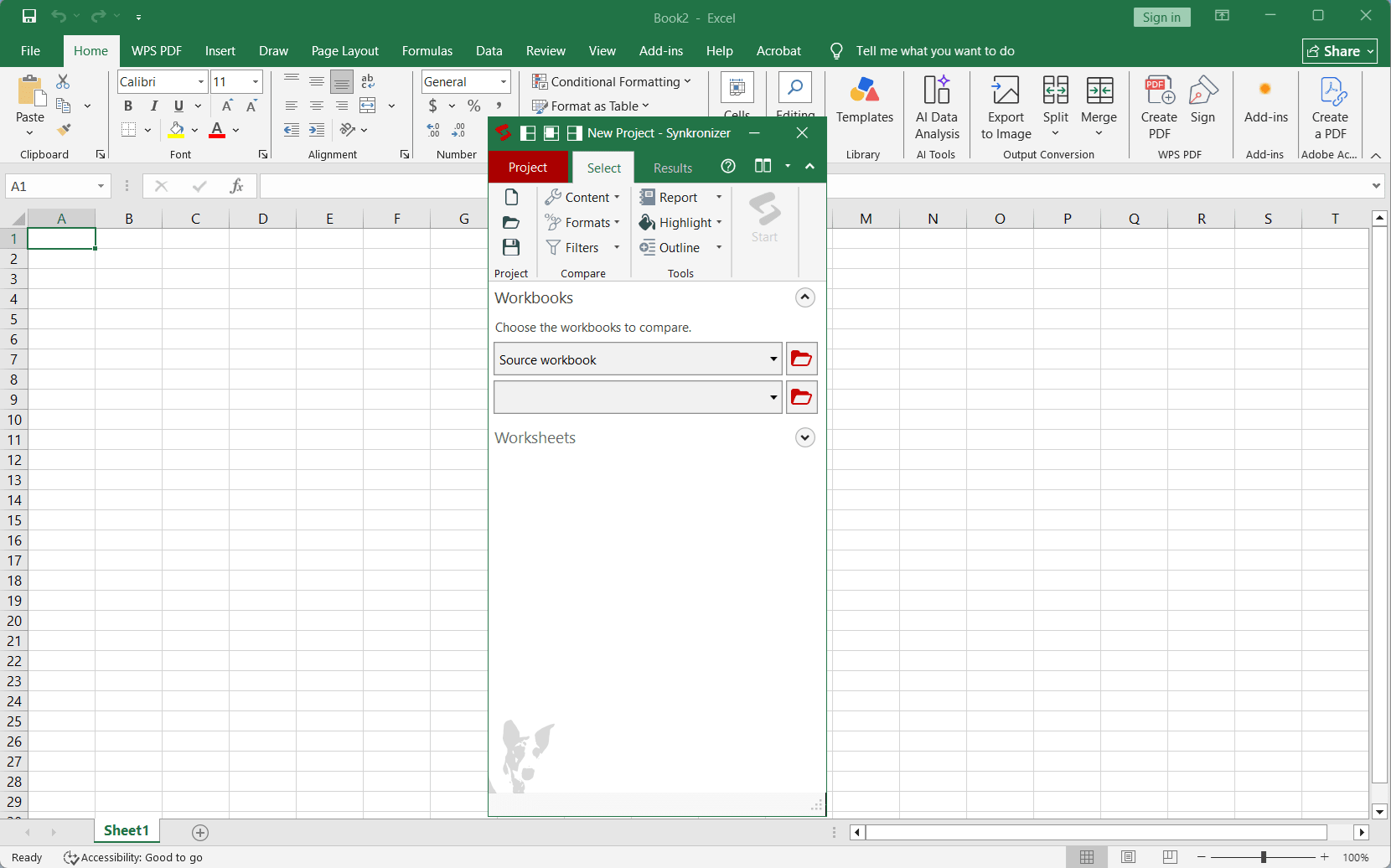
Synkronizer Excel Compare gets installed in Excel as an add-in and can be accessed from the ribbon menu. It comes with a small 8MB installer, but some additional components could be downloaded during the installation if needed. The tool supports modern environments, working with Excel versions 2010 up to 2024, as well as Office 365.Deep comparison features
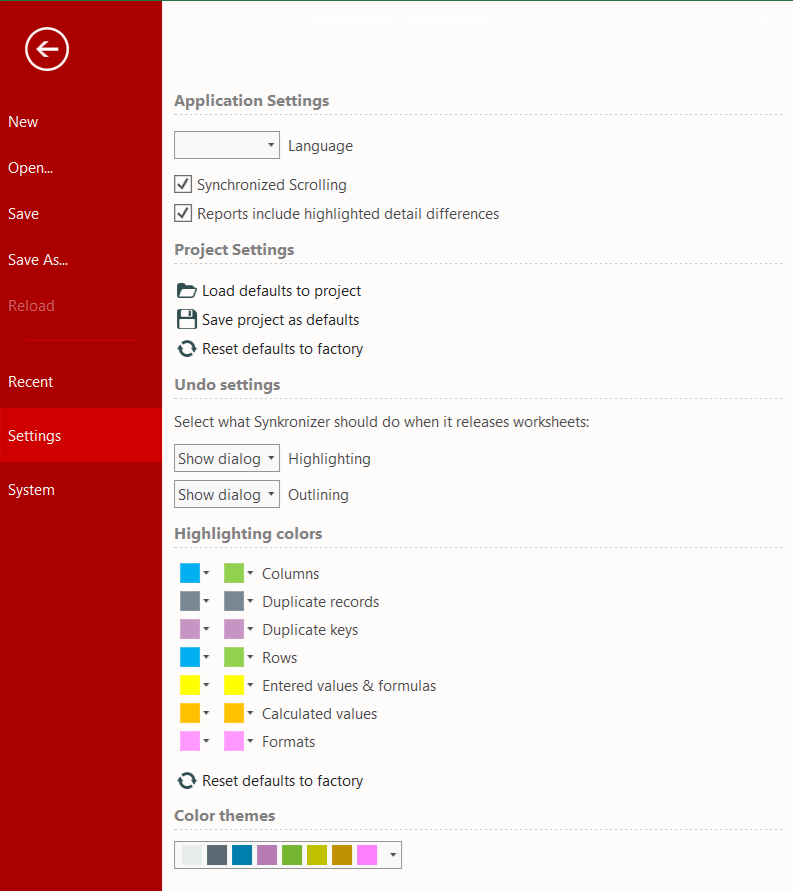
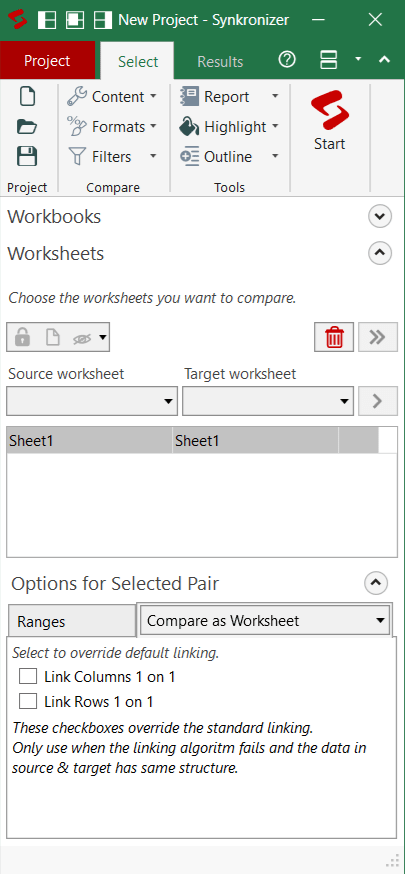
It offers a great level of flexibility when comparing and merging Excel documents. You can compare not just cell values, but also formulas, text formatting, cell formatting, and more. You can also select to ignore things like cases, whitespace, and data types when performing the comparison.Clear visual reporting
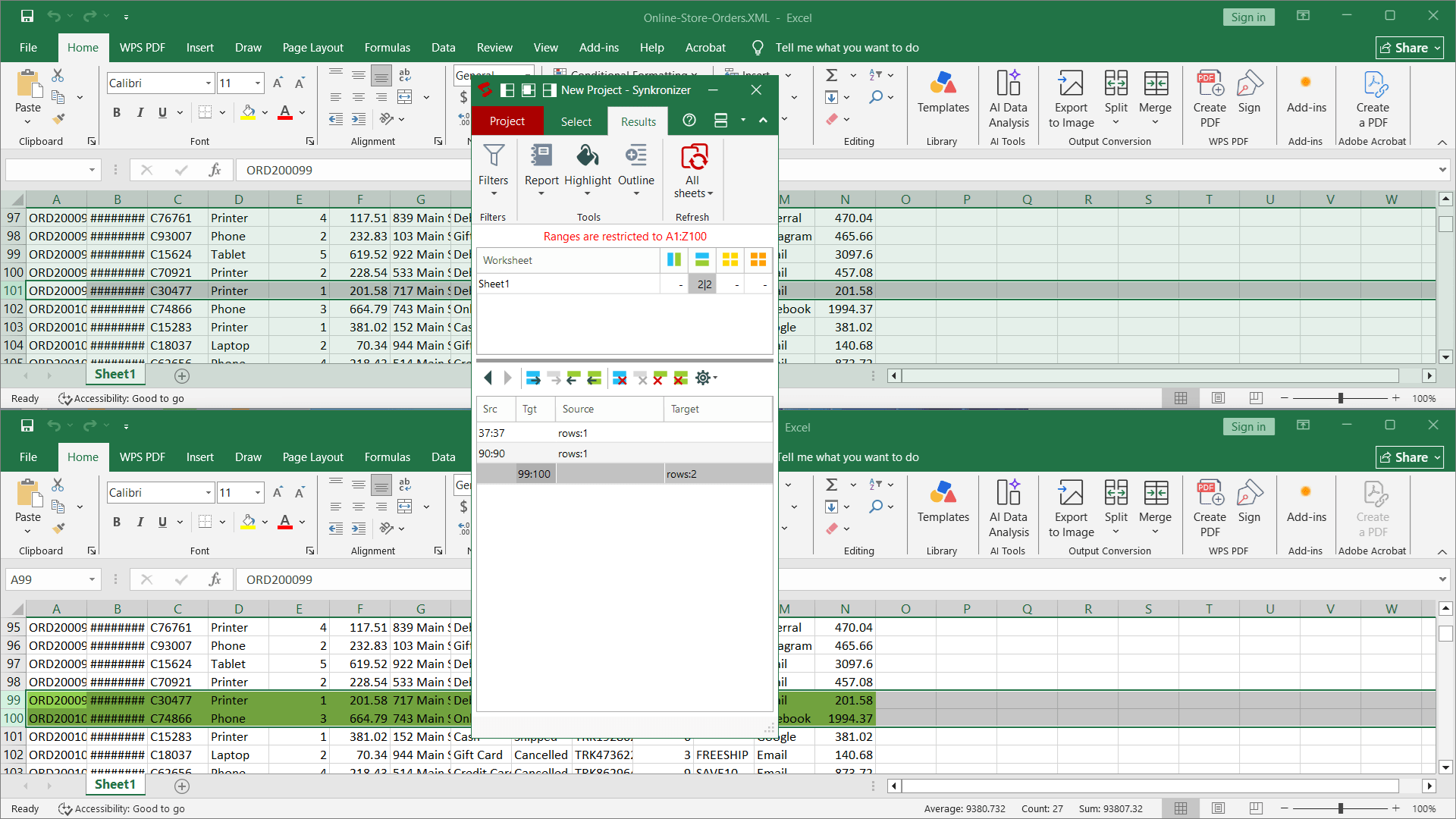
Found differences are reported separately by type - like the number of different columns, rows, cell values, formulas, and calculated values - and are also highlighted by different colors. The comparison process works very fast, even when comparing millions of cells at a time.Merging and updating
After the comparison is complete, you are presented with a number of options to automatically merge and update documents based on the found differences. You can choose to update all the differences or only selected difference types, such as inserting the missing rows.Editions and licensing
Synkronizer Excel Compare comes in two editions: Professional and Developer. Both offer perpetual licenses, and the exact cost depends on the edition and the number of users you need. A Developer Edition comes with an additional command-line option, a possibility to write comparison scripts, and an extension for writing automated VBA scripts.